One Codebase, Two Native Apps
Most teams end up maintaining the same product twice — once in Swift, once in Kotlin, forever. React Native lets your team write the app once in TypeScript and run it on both platforms with real native views underneath. You get one roadmap, one codebase, and one team to hold, with native code added only where a platform demands it.
What One Codebase Actually Buys You
React Native is a real engineering trade, not a shortcut. These are the numbers that decide whether it fits your product.
Write the Logic Once, Ship It Everywhere
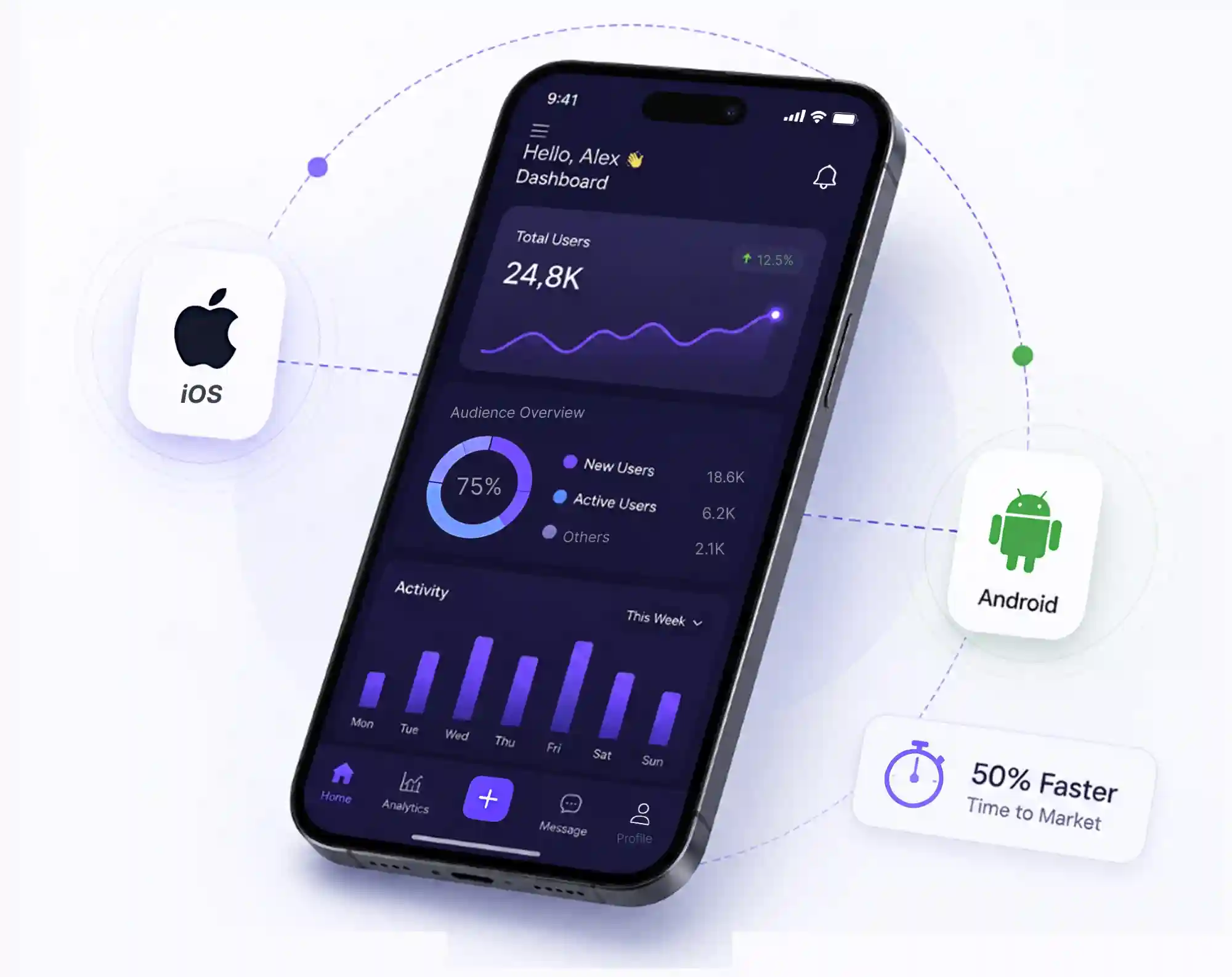
A React Native screen is a real component, not a web page in a wrapper. It renders native views, follows platform accessibility settings, and behaves like any other app on the device. Your team writes the interface, the data layer, and the business rules in one place, and the same code compiles into an iOS binary and an Android APK.
- Business logic, types, and API clients written once in TypeScript
- Validation and formatting rules shared with your web build where it pays off
- Navigation, caching, and error states kept consistent across both platforms
- Typed CI checks and review standards applied to every pull request

JavaScript Where It Works, Swift and Kotlin Where It Matters
Nobody sensible runs a bank on a JavaScript framework alone, and we do not pretend otherwise. When a feature has no JavaScript equivalent — a custom camera pipeline, Bluetooth peripherals, background location, health data, keychain storage — we write a small native module and expose it to the app through the bridge. You keep the shared codebase and drop native code into the handful of places that earn it.
- Camera, Bluetooth, NFC, and location wrapped as small typed native modules
- TurboModules and the New Architecture to skip the old async bridge entirely
- Keychain and Keystore storage for tokens, with biometric login where it helps
- Fastlane pipelines producing signed IPA and AAB builds from the same repository
Six Ways We Ship React Native Products
From a first MVP to a product with real traffic, a real backend, and engineers who will inherit the code.
React Native App Builds
Production iOS and Android apps written in TypeScript, structured so your own team can pick the codebase up after handover.
Shared Code With Your Web App
Types, API clients, and validation rules moved into packages that the web build and the mobile app both import.
Reanimated & Gesture Interfaces
Sixty-frame motion, shared-element transitions, and swipe gestures that hold up on the budget Android hardware your users actually own.
Native Module Integrations
Swift and Kotlin modules for camera, Bluetooth, payments, health data, and anything else with no JavaScript equivalent.
Offline, Sync & Push
Local persistence, background sync, and notification handling that behaves the same way on both platforms, including on a bad connection.
App Store & Google Play Release
Signing, store listings, privacy labels, review replies, and staged rollouts handled end to end on both stores.
From First Call to Both Store Listings
Architecture & Scope
We start by deciding whether React Native is the right tool, then map the screens, the data model, the API contracts, and exactly which parts will be shared code and which will be native. You get a written plan and a fixed quote before anyone opens an editor.
Project Skeleton
Monorepo, TypeScript strict mode, linting, CI builds, Fastlane signing, and the shared-versus-native module boundaries set up properly on day one. Skipping this is why so many React Native projects get expensive later.
Two-Week Sprints
Short cycles with a working build at the end of each one, installed on a real device by you. No progress reports full of screenshots, no surprise integrations discovered in week nine.
Device QA & Profiling
Physical iOS and Android hardware, low-end Android included, with bundle size, startup time, memory, and crash rates checked against a budget we agreed in the architecture phase.
Launch & Maintenance Plan
Both store submissions prepared, review replies handled, and a maintenance schedule agreed for React Native upgrades and dependency updates before the version you launch on goes stale.
React Native, Answered Plainly
Build Your React Native App With a Team That Ships
Tell us what you are building and we will map the React Native approach, the effort, and the honest timeline in a short, no-pressure call. If it is the wrong tool, we will tell you that too.
Start the ConversationStart Your Project
Smart Digital Solutions for Ambitious Brands.
Partner with our team to build high-performance websites, scalable software, mobile apps, and digital marketing systems that generate leads and support long-term business growth.