Native Android Apps That Stay Fast on Any Device
People drop apps that feel slow, and they drop them quietly. We build in Kotlin and Jetpack Compose with Material 3, so navigation is instant, layouts adapt to foldables and tablets, and the Play listing is ready before you need it. Offline storage, push, and biometric login are wired in from the first sprint.
Android Is Many Devices, Not One Screen
A single build has to hold up on a budget phone in a weak-signal town and on a foldable held open in one hand. That is a testing problem before it is a design problem, and it is where most of our first week goes.
One Project, Every Form Factor
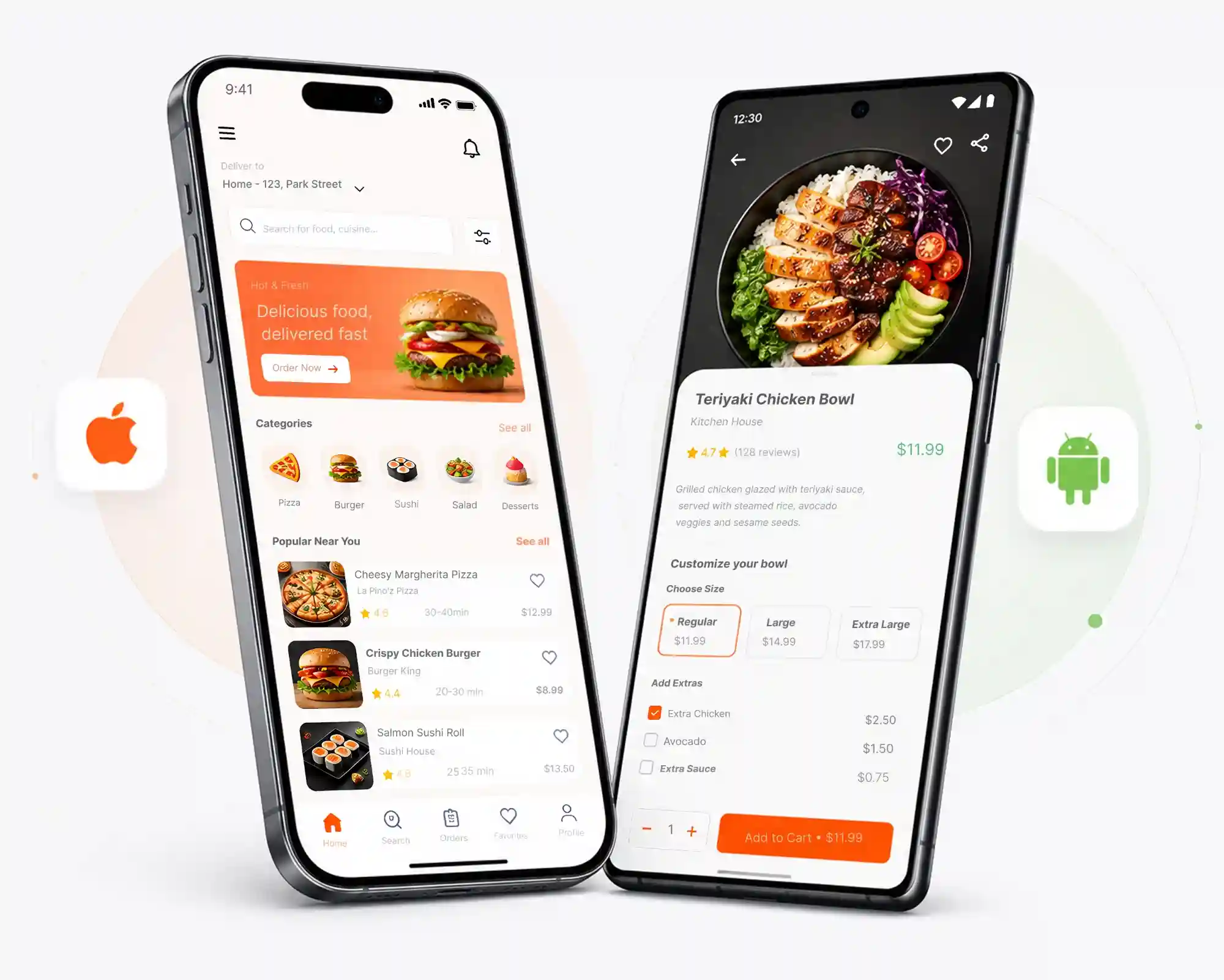
Phone, tablet, and foldable all run the same Kotlin project. We design against window size classes instead of fixed breakpoints, so a list-and-detail screen becomes a proper two-pane layout on a large display without a second codebase to maintain. The bundle then ships only the resources each device asks for.
- Adaptive layouts built on window size classes, checked from a small phone up to an unfolded screen
- Material 3 theming with light, dark, and dynamic color support
- Room and DataStore for local data, Firestore when several devices share the same state
- Biometric sign-in through AndroidX Biometric, with secrets held in the Android Keystore
- Behavior checked on OEM skins, not only on the reference device

Through Google Play Review
Play review is strict about target API level, permission declarations, and the data safety form, and a rejection costs weeks you did not plan for. We assemble the listing and the compliance paperwork before the build is handed over, then we handle the reply thread and any resubmission.
- Signed app bundle uploaded, with the release tracks and staged rollout configured
- Store copy, feature graphic, and screenshots produced at every size Play asks for
- Data safety form, privacy policy, and content rating handled as part of the build
- Target API level checked against the current Play requirement before review
- Play Billing and subscriptions tested in sandbox before a single real charge
Six Kinds of Android Work We Take On
New products, mature ones, and half-finished ones somebody else started. All of it in Kotlin, all of it reviewed before it reaches a device.
Kotlin & Jetpack Compose Apps
New Android products written in Kotlin with a Compose interface, layered as MVVM with Hilt and split into Gradle modules so the codebase still makes sense at version three.
Phone, Tablet & Foldable
One project that adapts across screen sizes, plus Wear OS, Android TV, or automotive entry points when the product actually needs them rather than because a pitch deck said so.
Offline-First Data with Room
Room and DataStore keep the app useful with no signal. WorkManager takes the jobs that can wait, and the sync rules get written down during architecture instead of argued about later.
Push, Biometrics & Secure Login
Firebase Cloud Messaging for notifications with proper channels, AndroidX Biometric for fingerprint and face unlock, and tokens stored in the Keystore instead of shared preferences.
Play Billing & Subscriptions
Subscriptions, one-time purchases, and paywalls wired to Google Play Billing, with entitlement checks, renewals, and grace periods handled the way the docs actually behave.
Legacy App Modernization
Takeover projects. We repair the Gradle build, replace abandoned libraries, move Java to Kotlin and XML layouts to Compose one screen at a time, and keep your release cadence intact.
Five Steps, No Surprises
Nothing here is clever. It is the path that keeps an Android build on schedule when the device list, the API, and the Play rules all move under you.
- A written scope and a fixed price before build work starts
- An installable APK at the end of every two-week sprint
- One point of contact for the whole project
-
Discovery
A short workshop on who uses the app, which screens matter on day one, and the phones they carry. You leave with a feature list, a device shortlist, and a number.
-
Architecture
Module layout, data model, API contracts, and offline rules decided up front. This is the step that prevents the rewrite in month four.
-
Build Sprints
Two-week cycles with a working build at the end of each one. You install it on your own phone, not on a staging server link in a slide deck.
-
Test & Beta
Automated tests, a device matrix, OEM skin checks, and an internal testing track on Play Console. Nothing goes public until you have signed off on a real install.
-
Launch & Support
Listing, staged rollout, and post-launch monitoring. We watch crash-free sessions and Play reviews for the first few weeks and fix what comes back.
Android Work, Answered Plainly
Let Us Scope Your Android Build
Tell us what you are building and we will come back with the architecture, the effort, and a timeline you can plan around. One call, no jargon, no obligation.
Start the Conversation